![Adoptech-logo-GreyWithoutStrapline-1.png]](https://knowledge.adoptech.co.uk/hs-fs/hubfs/Adoptech-logo-GreyWithoutStrapline-1.png?height=39&name=Adoptech-logo-GreyWithoutStrapline-1.png)
The Complete button only appears once your policy has reached 100% progress — meaning all questions must be answered.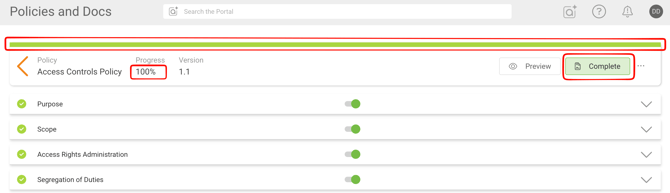
Below are the most common reasons you may be stuck below 100%.
All questions must be answered
Every visible question in your policy must have an answer before the policy can be completed. The progress bar at the top of the editor shows how far along you are.
To find unanswered questions:
- Work through each section of the policy
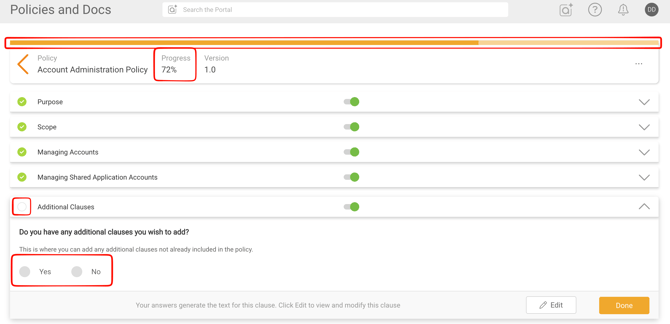
- Look for sections highlighted in orange — these are not yet at 100%
- Expand each section to find and answer any outstanding questions
The policy has new or updated standard content
If the standard text of a policy clause has been updated, or a new question has been added, you may not immediately see the change — especially if you have previously edited that clause yourself.
When a clause has been edited, it opens in text editor mode by default. In this view, the updated standard content and any new questions are not yet visible.
To resolve this:
- Save your edited clause text. You can copy paste your edited text into a note app.
- Click Revert on that clause. This replaces the clause with the latest standard content and makes any new questions visible.
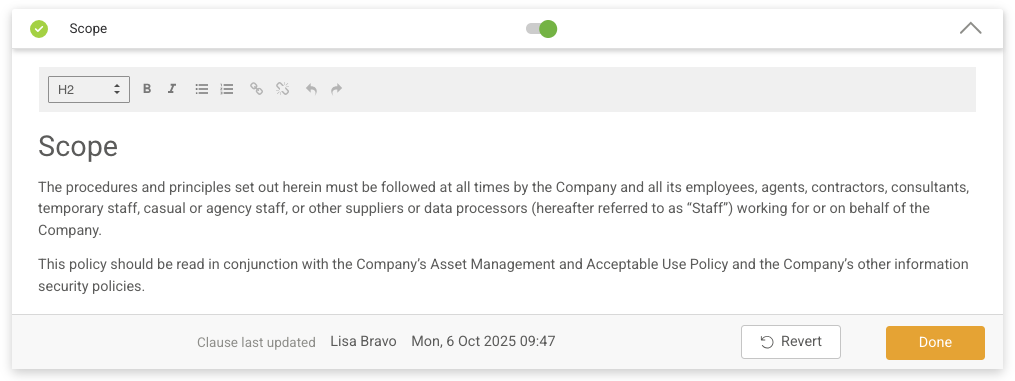
- Review the updated content and new questions, then update your clause text if needed.
Once all sections reach 100%, the Complete button will reappear.
A conditional question was triggered by an earlier answer
When you answer a question in a certain way, the policy may reveal an additional follow-up question in that section. If you do not notice or answer this new question, the section will drop below 100% and the Complete button will disappear.
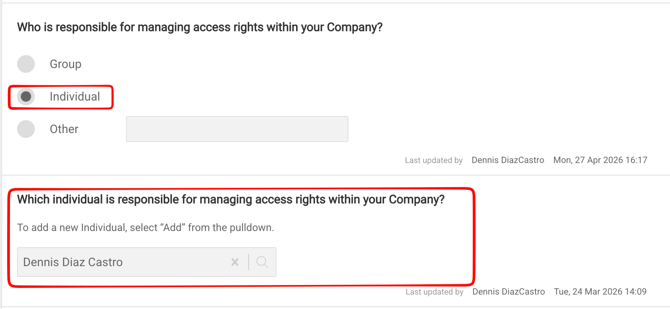
For example, in Access Control Policy, Section 3 has a question "Who is responsible for managing access rights within your Company?", where if you select the Group option, you will get a corresponding question after.
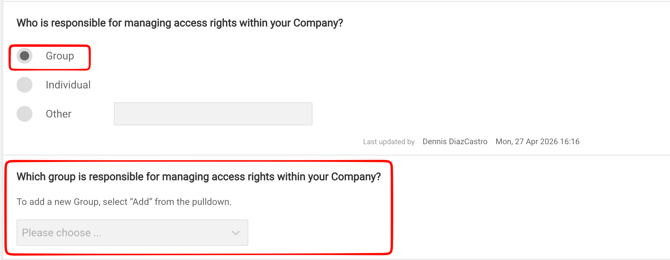
Selecting an Individual option will alter the next question accordingly: