![Adoptech-logo-GreyWithoutStrapline-1.png]](https://knowledge.adoptech.co.uk/hs-fs/hubfs/Adoptech-logo-GreyWithoutStrapline-1.png?height=39&name=Adoptech-logo-GreyWithoutStrapline-1.png)
When you run a test and it fails you can find test results at the bottom. The results will always show what is required, in order to get your test compliant.
In the example below the test "Information and cyber security audit schedule maintained' failed because there were no scheduled audits.
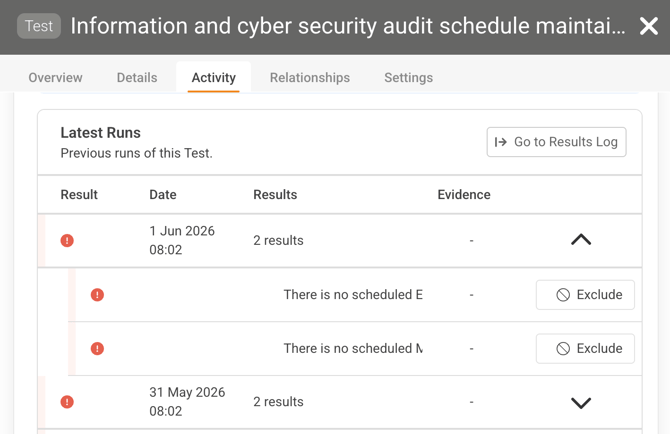
We can click on the test results and see the details:
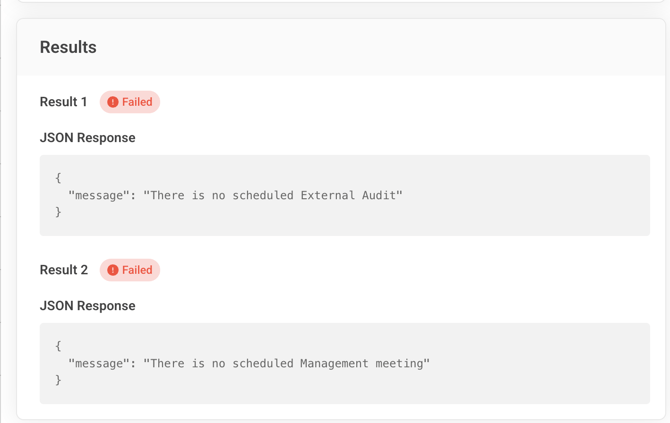
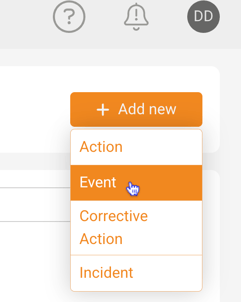
Scheduling audits can be done from Actions & Events page. On the Actions & Events page, select Add new > Event
You will see Create Event window. According to our test it's required to have three events scheduled: External Audit, Internal Audit, Management Meeting.
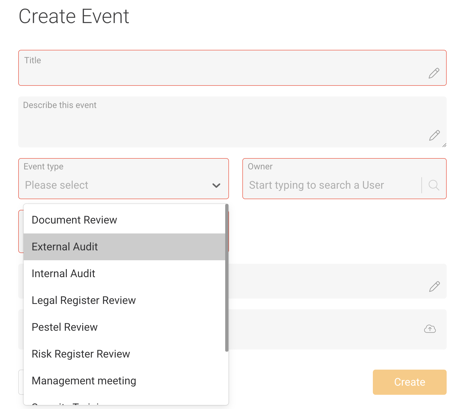
With all three required events scheduled, running the test again will be successful and get you a compliant control check.
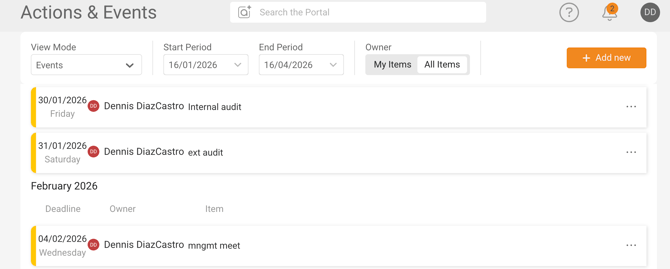
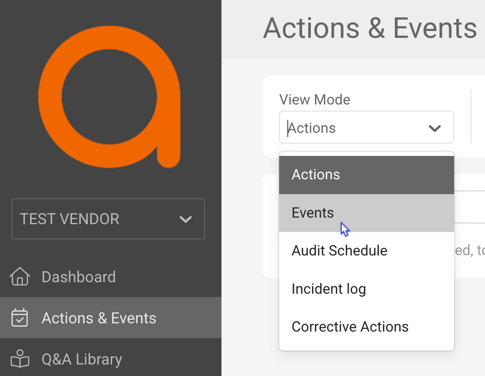
If you can't find your created Events, under View Mode, select Events:
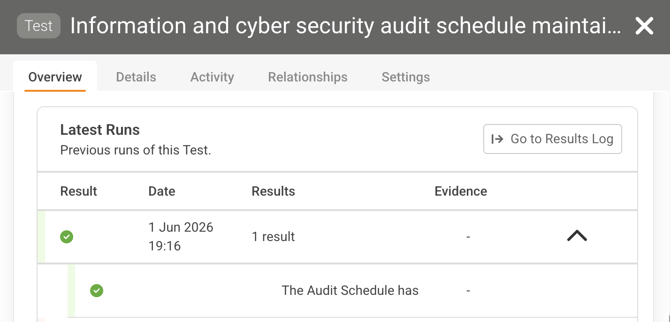
The compliant test should look similar to the image below. If it still fails, please contact us.
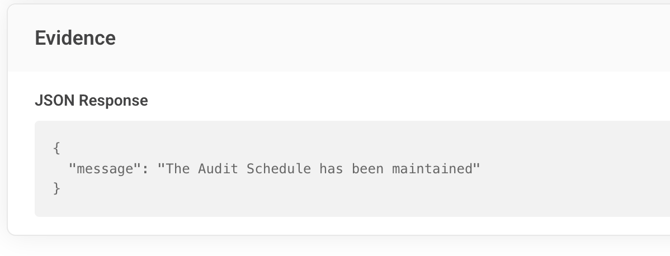
If we click on the result we can see the details again:
Need Help? Contact support@adoptech.co.uk or open a chat