![Adoptech-logo-GreyWithoutStrapline-1.png]](https://knowledge.adoptech.co.uk/hs-fs/hubfs/Adoptech-logo-GreyWithoutStrapline-1.png?height=39&name=Adoptech-logo-GreyWithoutStrapline-1.png)
The Slack integration enables Adoptech to send compliance notifications, task reminders and action alerts directly to your team's Slack channels. This helps teams stay on top of outstanding compliance activities, policy approvals and audit deadlines without leaving their day-to-day workspace.
What does the integration with Slack integration do?
The integration allows you to receive:- weekly compliance status reports in a Slack channel. The report provides framework, policy and control updates, plus reminders of overdue actions;
- A real-time message when a compliance test changes from passing to failing — so your team can react without having to watch the portal.
Note: You'll only get one alert at the point a test starts failing. A test that's already failing won't send repeat messages, and tests that are still passing won't trigger anything.
Prerequisites
Before configuring the integration, ensure you have:
-
Slack workspace
-
Permission to add apps to your Slack workspace
- Permission to authorise an incoming webhook for a specific channel
What Data We Collect
Adoptech does not collect or store data from your Slack workspace. This integration is outbound only — Adoptech sends messages to Slack and does not read channel history, messages or user data.
Setting up the integration:
1. Create a dedicated Slack channel eg adoptech-alerts
2. Go to the Apps and Integrations page in Adoptech and select Connect on the Slack tile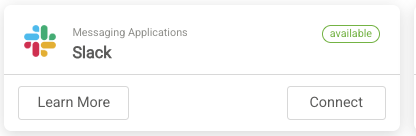
3. You will be redirected to Slack where you can select the channel to be used.
Need Help? Contact support@adoptech.co.uk or open a chat